
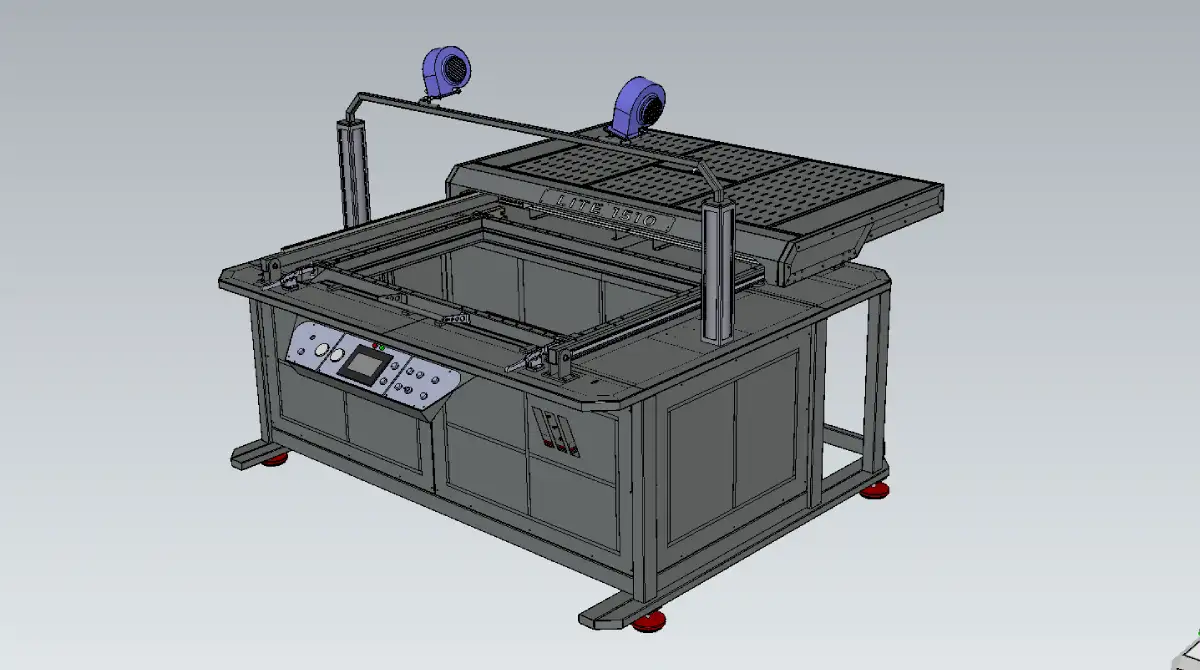
Vacuum forming machine diy plans let you build the machine yourself instead of paying full price for a finished unit. You get the CAD models, cutting files, electrical schematic, and control software — everything needed to fabricate the frame, wire the panel, and get the machine running on your own floor. Our machines are built in Ukraine, and it's the situation in the country that's behind this offer — we don't normally sell the drawings on their own, and this option won't stay open indefinitely. This breakdown covers what's actually inside a plans package, which THERMOFORA models are available as thermoforming machine plans, and what building from drawings takes in practice.
Part 1
What's Inside a Vacuum Forming Machine Plans Package
A plans package is not a single drawing. It's the full set of files a fabrication shop needs to build the machine from raw material to a running control panel, without guessing at dimensions or writing PLC logic from zero.
- CAD files. Native SolidWorks assemblies plus universal STEP format, so the files open in whatever CAD system your shop already runs.
- Laser and bending files. DXF drawings for laser cutting and PDF bend sheets for every sheet metal part in the frame, panels, and brackets.
- Electrical schematic. Full wiring diagram with contactors, relays, and terminal numbering — an electrician can wire the panel straight from it.
- Vacuum schematic. Every line, valve, and fitting in the vacuum system, labeled and traceable.
- PLC program. A ready-to-upload Delta PLC file with machine logic, timers, and I/O configuration already built — not a blank program you write yourself.
- HMI operator panel program. The touchscreen interface, with parameter screens and alarm handling already configured.
That's the baseline for a compact, single-zone machine. The package isn't identical across the lineup — larger and automated models come with additional schematics for extra heating zones, servo drives, or roll-feed mechanics, and the CAD, cutting, and PLC files are built around that specific machine's layout. What carries across every model is the file categories themselves — CAD, cutting files, electrical, vacuum, PLC, HMI — just sized and configured differently depending on which machine you're building.
Part 2
Which THERMOFORA Machines Are Available as Plans
Thermoforming machine plans are available across the full THERMOFORA lineup, from the compact desktop format up to large industrial and roll-fed automated machines. Forming area is the number that matters most when picking a model — it has to clear your part footprint plus draw depth, the same clearance math that applies to any vacuum forming machine, plans or finished unit.

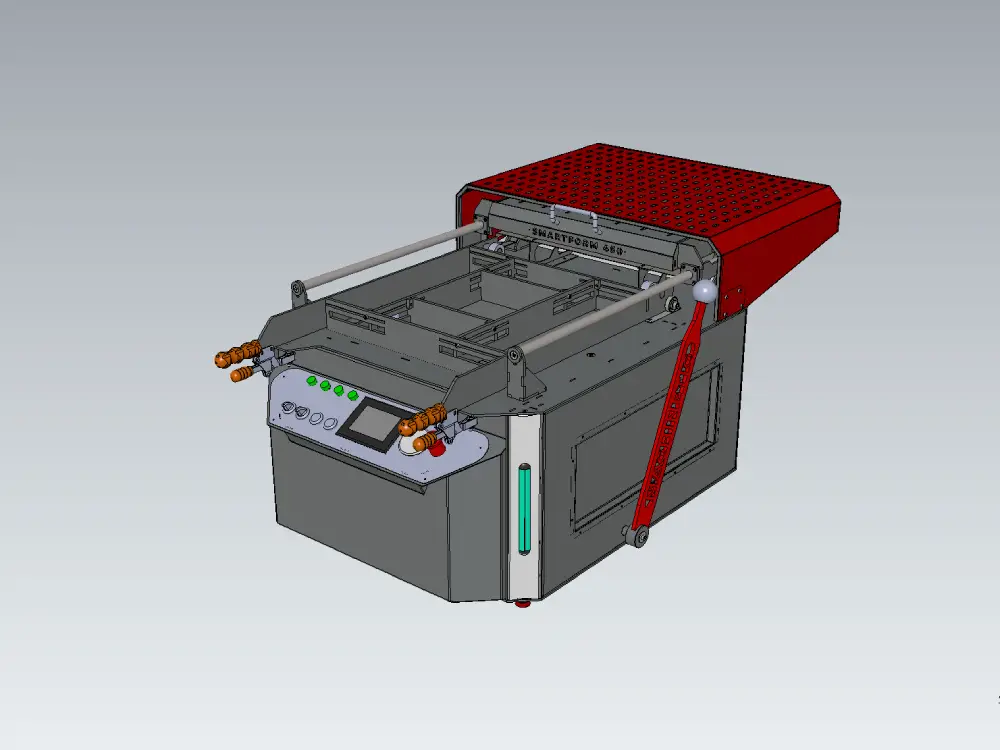
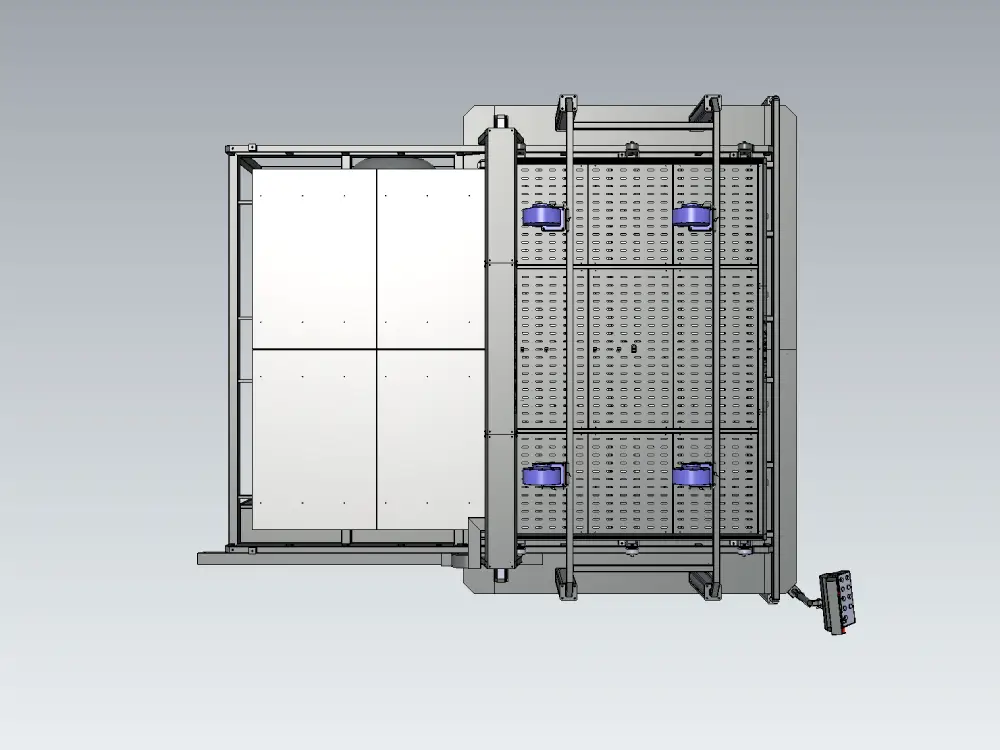

| Model | Forming area | Draw depth | Power |
|---|---|---|---|
| SMARTFORM 450 | 450×450 mm | 200 mm | 5 kW |
| LITE 686 | 646×620 mm | 300 mm | 17 kW |
| LITE 1366 | 1332×620 mm | 350 mm | 28 kW |
| LITE 1010 | 960×960 mm | 400 mm | 65 kW |
| LITE 1510 | 1460×960 mm | 400 mm | 86 kW |
| LITE 2010 | 1960×960 mm | 500 mm | 125 kW |
| LITE 2215 | 2200×1500 mm | 500 mm | 210 kW |
| LITE 2515 | 2500×1500 mm | 500 mm | 240 kW |
| LITE 3020 | 3000×2000 mm | 500 mm | 380 kW |
| RAUT PRO | 350×350 mm | 200 mm | 10 kW |
Every model in the lineup is available as a plans package, but the package itself isn't one-size-fits-all — file count and complexity scale with the machine. Reach out with the model you're considering and we'll walk you through exactly what's included.
Part 3
Plans vs a Ready-Made Machine
This isn't a question with one right answer. It depends on what your shop already has and what you're optimizing for.
1. Buying a finished machine
Best forTeams that want the shortest path to production. You unbox, wire it to power, and run your first part the same week. Higher upfront cost, but zero fabrication risk and no engineering time spent on the build itself.
2. Building from vacuum forming machine plans
Best forShops with laser cutting or fabrication access, or teams willing to outsource that part, who want to cut capital cost and come away understanding every system in the machine they'll be running for years. Slower path to first part, but the savings and the knowledge both compound over time — troubleshooting is a lot faster when you built the wiring yourself.
There's a middle case worth naming: shops that already run laser cutters and welders for other work, and just need the electrical and control side handled. For them, plans are close to a no-brainer — the marginal cost of fabricating the frame is near zero, and the PLC/HMI programs remove the hardest part of the build.
Part 4
What Building From Plans Actually Requires
Plans remove the design work. They don't remove the need for fabrication capability. Before committing to a build, it's worth checking what's actually on hand.
- Laser cutting or a subcontractor for it. Frame panels and brackets come as DXF files — you either cut them in-house or send the files to a local cutting shop.
- Basic welding and mechanical assembly. Structural steel frame components on the larger models need welding; compact desktop-format machines involve less of it.
- An electrician comfortable reading a schematic. The wiring diagram is complete, but someone still has to pull wire, terminate it, and test it against the drawing.
- Someone who can flash a PLC and HMI program. The Delta PLC and HMI files are ready to upload — this is closer to installing software than writing it, but it's not zero-skill.
- Assembly time. Expect the desktop format to go together in days once parts are cut; the larger industrial formats run into weeks, mostly driven by frame welding and panel wiring.
Part 5
Who Machine Plans Make Sense For
Thermoforming machine plans tend to attract a specific kind of buyer, and it's worth being honest about who that isn't.
- Shops with existing fabrication capability — laser cutting, welding, basic electrical work — that want a vacuum forming machine without paying someone else's labor markup on top of it.
- Maintenance-capable manufacturers adding thermoforming to an existing production line, where the team already services other machinery and can absorb a new one into that routine.
- Technical founders and small shops where capital is the binding constraint more than time, and understanding the machine completely has real long-term value.
If your team has no fabrication access and no time to manage a build, a finished machine is almost always the better call — see our breakdown on what to check before you buy a vacuum forming machine for how to pick the right ready-made model instead.
FAQ
What's included in a vacuum forming machine plans package?
A complete package includes CAD files (SolidWorks and STEP format), DXF and PDF files for laser cutting and bending, an electrical schematic, a vacuum schematic, a ready-to-upload PLC program, and an HMI operator panel program. Larger or automated models add extra schematics for additional zones or servo drives, but the core file categories stay the same across the lineup.
How much cheaper is building from thermoforming machine plans than buying a finished unit?
Self-assembly typically runs up to 60% cheaper than the equivalent ready-made machine, depending on local fabrication and component costs. The savings come from labor and margin, not from a lower-spec design — the drawings are the same ones used in production builds.
Do I need an engineering team to build from machine plans?
No. What's needed is fabrication capability: laser cutting or a subcontractor for it, basic welding for the frame, an electrician who can wire from a schematic, and someone comfortable uploading a PLC and HMI program. Most plans customers are small fabrication shops or maintenance teams already doing this kind of work on other equipment.
Which vacuum forming machine models are available as plans?
Plans are available across the THERMOFORA lineup — from the compact desktop format up through the large-format LITE series and the automated RAUT PRO. Forming area ranges from 450×450 mm to 3000×2000 mm depending on the model selected.
Should I buy a finished machine or build from plans?
A finished machine is the faster, lower-risk path if you have no fabrication access or no time to manage a build. Plans make more sense if your shop already has laser cutting, welding, or electrical capability and you want to cut capital cost while ending up with a deeper understanding of the machine you'll be running.
Related on the Blog
If you're still weighing whether to buy or build, see our breakdown on what to check before you buy a vacuum forming machine. For a full pricing picture across the market, see vacuum forming machine pricing explained. For build quality once the machine is running, our thermoforming defect troubleshooting breakdown covers the most common issues and fixes, and our 15 vacuum forming defects and how to fix them goes through each one in detail.
THERMOFORA Vacuum Forming Machine Plans
Full CAD, electrical, and control packages — ready to build
CAD drawings, laser and bending files, electrical and vacuum schematics, PLC and HMI programs — from compact desktop formats to large industrial machines.